

Spirula Studio: a free, cross-vendor 3DGS trainer and a comparison with LichtFeld StudioFeature
Spirula Studio is a free, open-source desktop application that turns a folder of photos or a video into a 3D Gaussian Splatting model, and then, if you want, into a textured mesh. It does that in one self-contained binary: no Python, no PyTorch, and no separate COLMAP install. That already sets it apart from many research trainers, and it makes a natural comparison with LichtFeld Studio, the other major GPLv3-licensed 3DGS workstation on the market.
What it is
The official home of the project is the GitHub repository maintained by harry7557558, whose GitHub profile lists the name Harry (J.X.) C. The README says Spirula Studio is “maintained almost entirely by one person”, and that it was formerly called spirulae-splat, after an earlier project named for the deep-ocean mollusk Spirula. The domain spirula.studio hosts official media used in the README, though the public homepage itself is still marked as under development.
What you get today is a native GUI and a CLI, with prebuilt binaries for Windows, Linux and macOS on the GitHub Releases page. A browser-based viewer is also available for splats, meshes and reconstruction datasets.
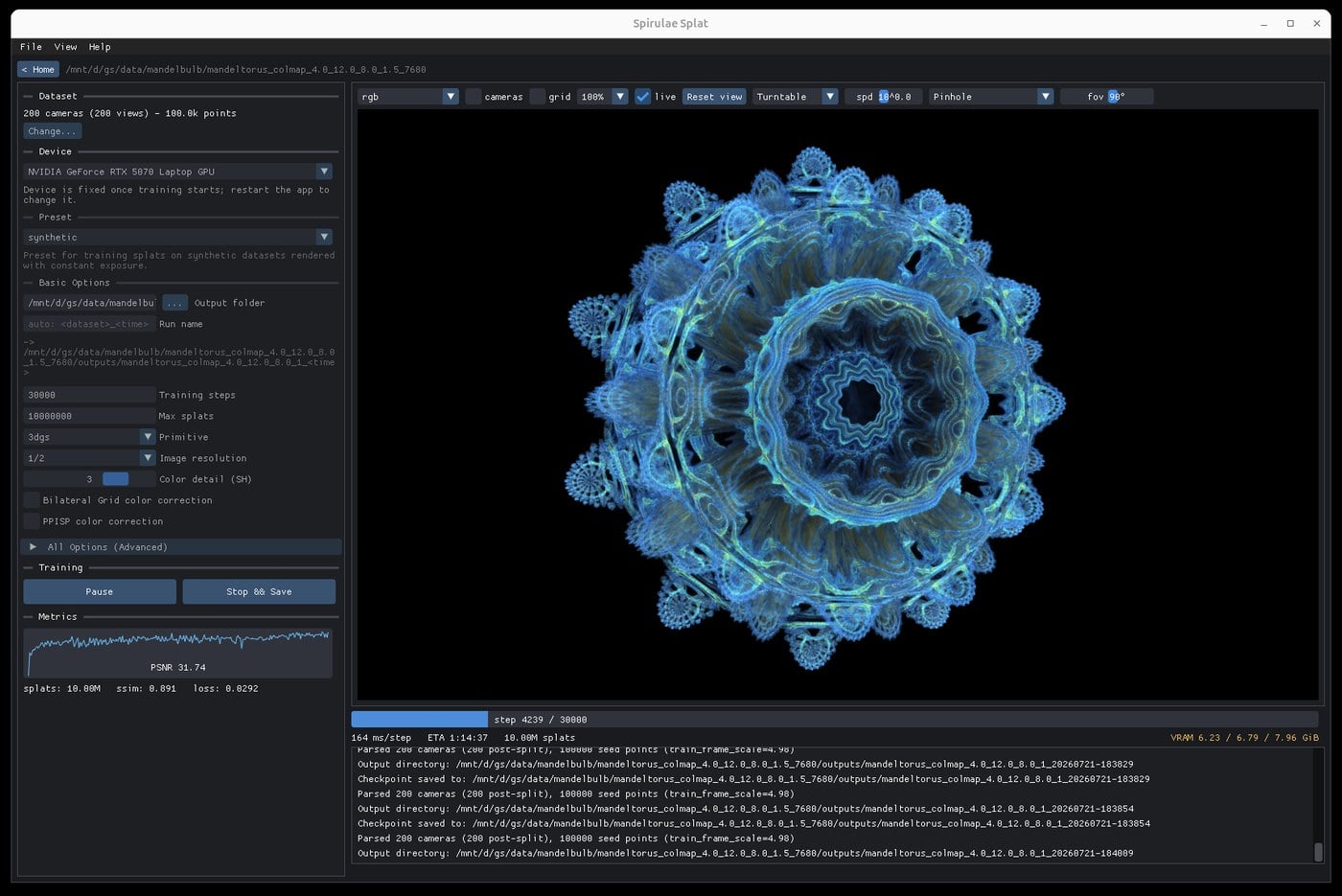
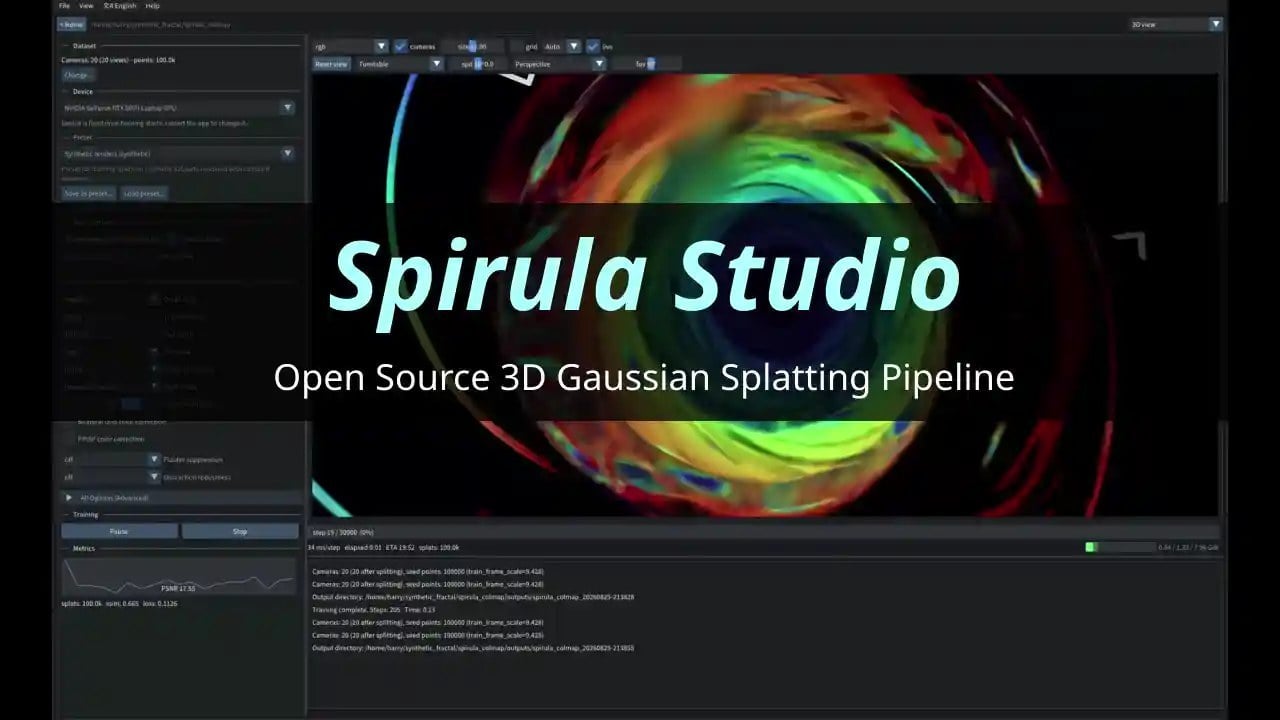
Key features
The README’s central claim is breadth of hardware. The recommended Vulkan backend runs on NVIDIA, AMD, Intel and Apple GPUs, on Windows, Linux and macOS. A legacy CUDA backend covers most NVIDIA GPUs on Windows and Linux only. The project says both backends train and mesh with the same functionality, with speed usually within a few percent depending on the driver, and with Vulkan sometimes a little more VRAM-efficient. macOS training was validated on 14 August 2026.
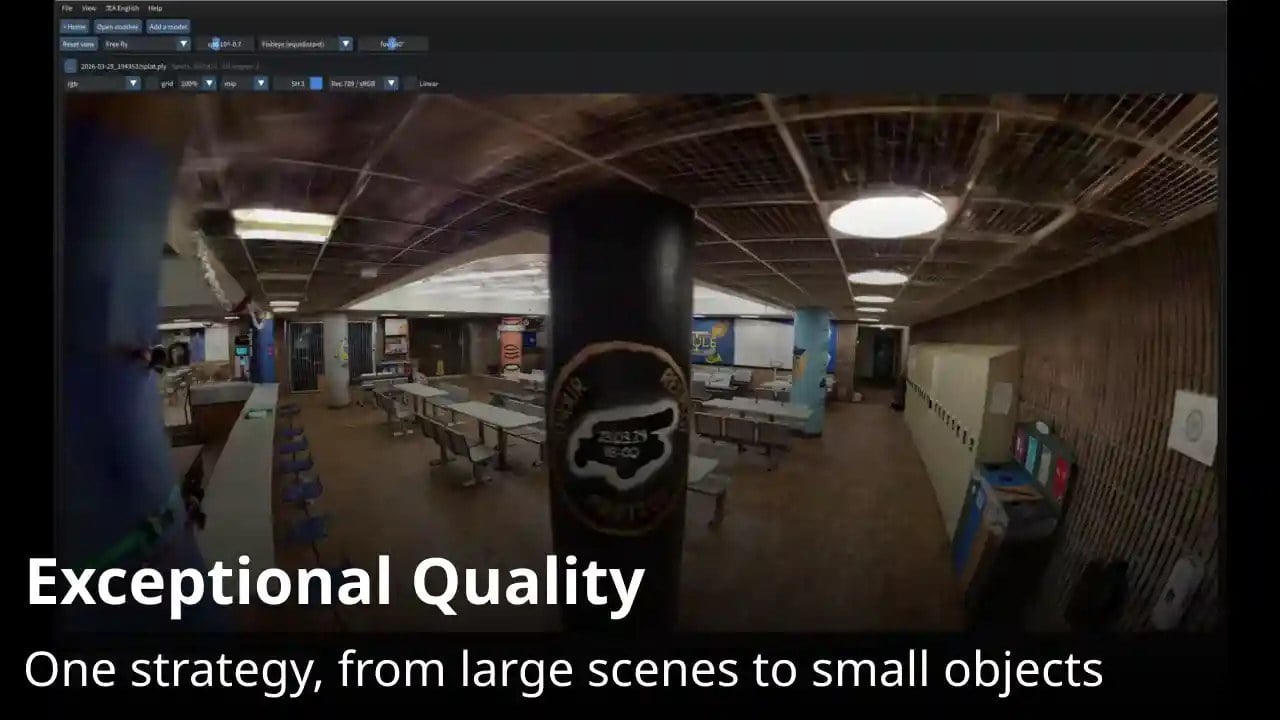
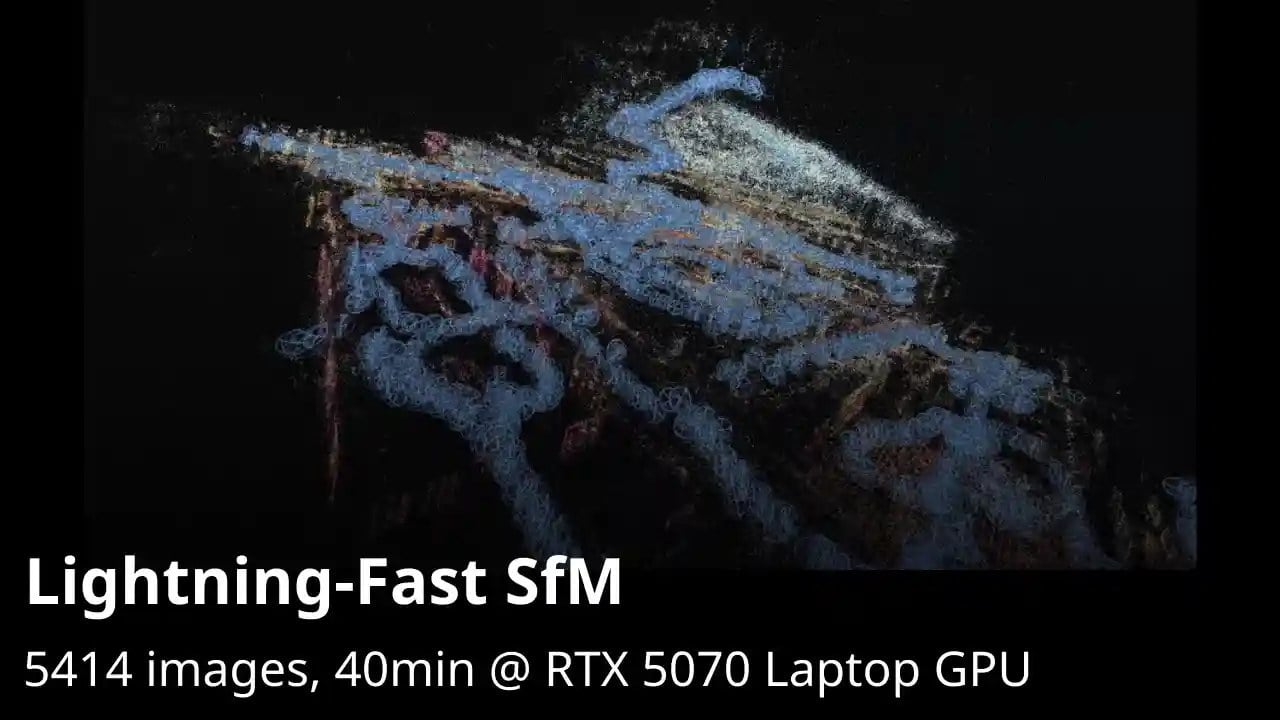
Training is designed to start from raw capture. Built-in structure-from-motion, AI masking and video frame extraction are part of the Vulkan build, so you do not have to wait on an external COLMAP workflow. The training strategy is described as combining advantages of MCMC, IGS+ and MRNF. Quantized training is said to fit up to 10 million SH3 Gaussians in 8 GB of VRAM. Fisheye and 360° (including equirectangular) datasets can be loaded and trained without an undistortion step, and a modified bilateral grid and PPISP are used for exposure and white-balance correction.
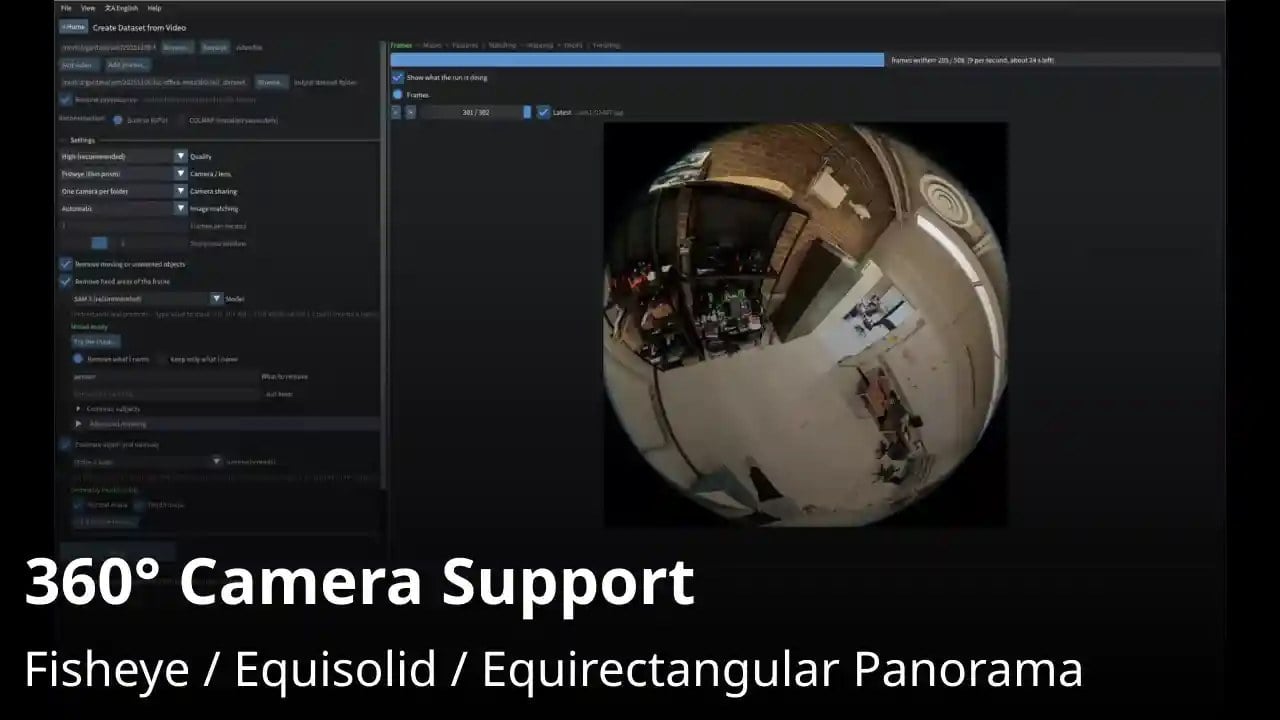
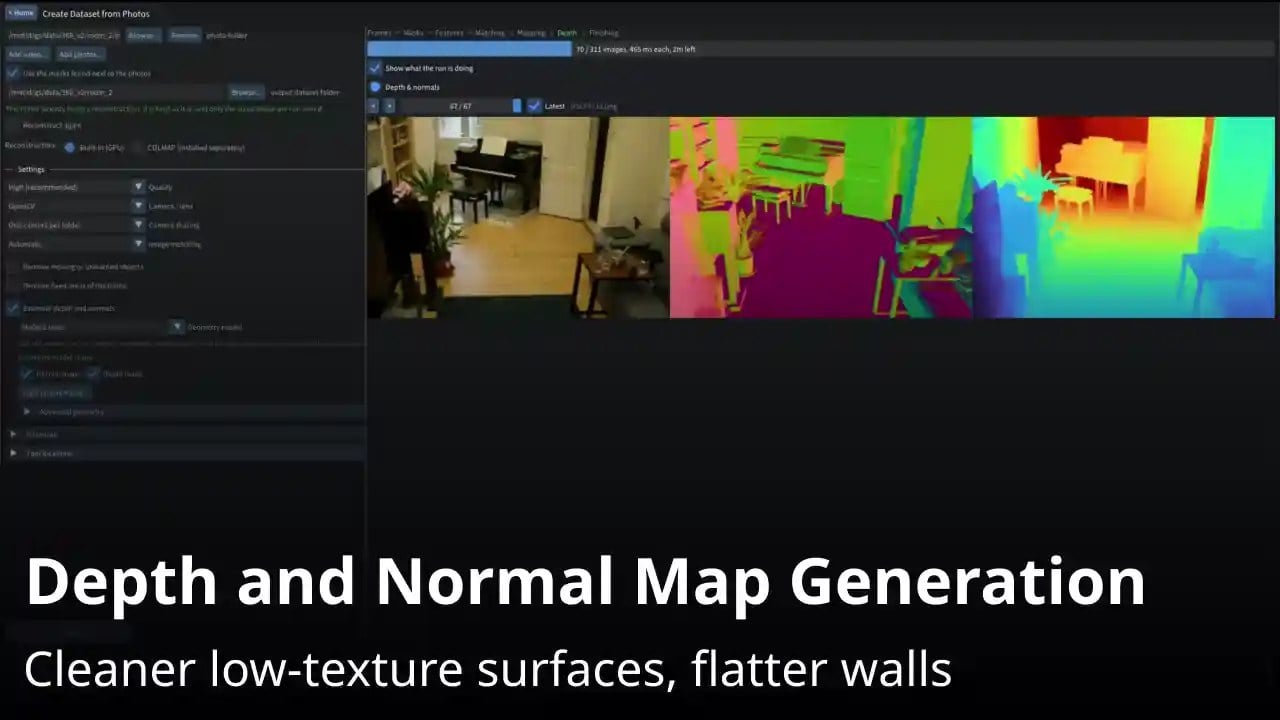
The rest of the pipeline is unusually complete for a single binary. You can mesh a trained splat and export PLY, OBJ, glTF, GLB or STL, with vertex colours or a baked texture where the format allows. The standalone web viewer opens splat PLY files and those mesh formats, plus COLMAP, Nerfstudio and Metashape datasets. Image and video render export arrived with the September 2026 editing release. There is also batch processing, an MCP server for agentic workflows, and CLI training that can serve a viewer over HTTP for remote or cloud GPUs.
Editing is newer than the trainer. Features for 3DGS models, sparse reconstructions, meshes and masks were added on 23 September 2026. The v2026.9.24 notes still called editing and rendering experimental. Later releases added two-point scaling in the editor, experimental AprilTag and ArUco alignment, a pen tool for masks, and a training region of interest.
The latest release is v2026.10.30, published on 30 October 2026. It improves PlayCanvas and Spark compatibility, adds MoGe 3 and Marigold v2 for depth and normals, and ships free Vulkan builds for Windows, Ubuntu and macOS (Apple Silicon). A mid-October release also added dense initialisation, inspired by the LichtFeld Densification Plugin.
How it compares with LichtFeld Studio
Both projects are serious, actively maintained, GPLv3-licensed 3DGS applications that you can build from source for free. They are also aimed at slightly different jobs. Spirula’s pitch is a capture-to-mesh pipeline that runs on more kinds of GPU, including macOS. LichtFeld Studio is a native NVIDIA workstation that puts training, a mature editor, projects and automation in one desktop app.
| Spirula Studio | LichtFeld Studio | |
|---|---|---|
| Licence | GPLv3, as indicated by the repository licence and badge | GPLv3 or later, with an additional permission for NVIDIA GPU libraries |
| Price | Free. Prebuilt binaries are on GitHub Releases. No paid tier is documented | Source is free to build. Prebuilt Windows binaries are sold through the LichtFeld Portal; the README says a donation of your choosing funds development, and the website FAQ describes a $30 minimum |
| Platforms | Windows, Linux and macOS (Vulkan). The CUDA backend is Windows and Linux only | Windows and Linux. An official macOS build is not documented |
| GPU requirements | Vulkan: NVIDIA, AMD, Intel and Apple. CUDA: most NVIDIA GPUs. The README says quantized training can fit 10 million SH3 Gaussians in 8 GB of VRAM. A published minimum GPU model is not documented | An NVIDIA GPU with compute capability 7.5 or newer; GTX 10-series, AMD and Intel GPUs are not supported. Driver 570 or newer is required. The website FAQ adds a floor of at least 8 GB of VRAM |
| Training | Built-in SfM, video frame extraction and AI masking (Vulkan). MCMC / IGS+ / MRNF, 360° and fisheye without undistortion, GUI and CLI, optional HTTP viewer | Trains from COLMAP datasets, with checkpoint resume, live inspection, MCMC, bilateral grid, 3DGUT and optional POPSpa, in a desktop app or headless |
| Editing tools | Added in September 2026 for splats, sparse reconstructions, meshes and masks; labelled experimental in v2026.9.24. Later: two-point scale, experimental marker alignment, mask pen, training ROI | Select, transform and edit Gaussian subsets with undo/redo. The website FAQ lists brush, lasso and polygon selection, plus cropping, alignment and composition |
| Viewer and export | Splat PLY; meshes as PLY, OBJ, glTF, GLB and STL; image and video renders; a static web viewer; improved PlayCanvas and Spark compatibility. SOG or SPZ export is not documented | PLY, SOG, SPZ and a standalone HTML viewer. The v0.5.4 notes also describe SSOG, USD, glTF and GLB |
| Community | GitHub issues and pull requests are invited. User and author galleries are linked on SuperSplat. An official Discord is not documented | An official Discord, plus the website, X and YouTube |
| Latest version | v2026.10.30, 30 October 2026 | v0.5.4.2, 1 November 2026 |
The hardware split is the starkest difference. If you have an AMD, Intel or Apple GPU, or you want an official macOS build, Spirula is the one that documents that path. LichtFeld is explicit that it needs a relatively recent NVIDIA card. The other big gap is how a dataset gets into the trainer: Spirula tries to own capture-to-splat, including built-in SfM; LichtFeld’s documented training path starts from a COLMAP dataset, with more in-app reconstruction still described as part of the 0.6 work.
On the other side, LichtFeld’s editing tools and project workflow are more fully described, and it has Python plugins plus an online gallery (in beta for portal users). Spirula’s editor is real and getting new tools, but the project itself still called those features experimental in late September. Export also differs: both can write PLY and meshes such as glTF and GLB, while SOG and SPZ are documented for LichtFeld and not for Spirula.
Getting started
The simplest route is to download a prebuilt Vulkan build from the Releases page, unzip it and open the GUI. The README also covers building from source, and the repo has a documentation index for datasets, backends and the viewer. Remote training can use spirula train, which serves a viewer you can forward over SSH. SAM checkpoints used for AI masking are downloaded on first use, under Meta’s licences, and are not bundled with the binary.
Which one is for you?
Choose Spirula Studio if you want a free, self-contained path from photos or video to a splat and a mesh, especially if you are on macOS or on a non-NVIDIA GPU. It is also the more obvious starting point if you would rather not install COLMAP and a Python stack just to get a first reconstruction.
Choose LichtFeld Studio if you are on a supported NVIDIA GPU under Windows or Linux and you care most about a deep native editor, project files, plugins and a studio-style desktop workflow. Its source is also free and open, with a paid portal only for convenience Windows builds.
There is no need to treat them as rivals. Both are GPLv3-licensed, both are moving quickly in late 2026, and Spirula has even credited a LichtFeld plugin as inspiration for dense initialisation. Many people will want both: Spirula to get a capture onto a splat on whatever GPU they have, and LichtFeld when they want to sit with that scene and edit it.
Related
 «Any GPU Will Do» Comic